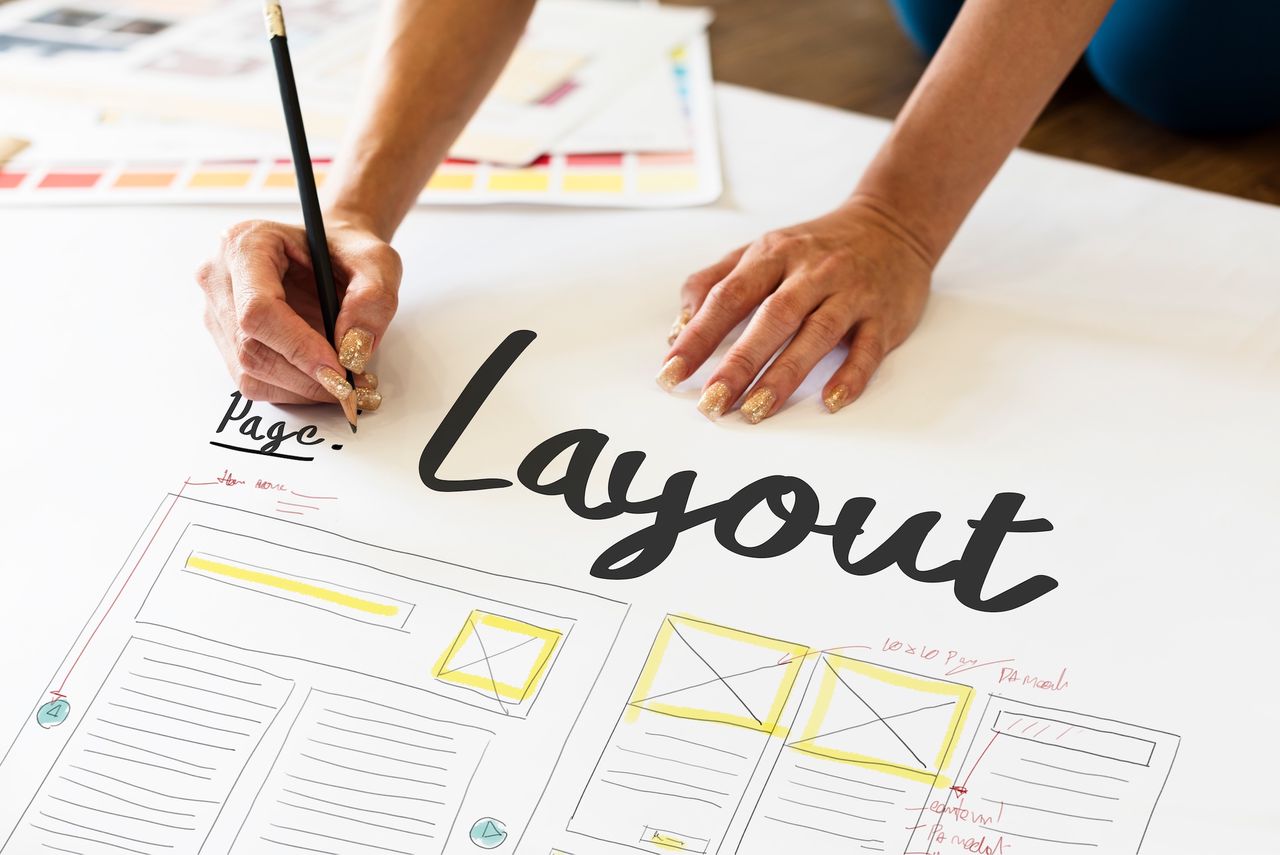
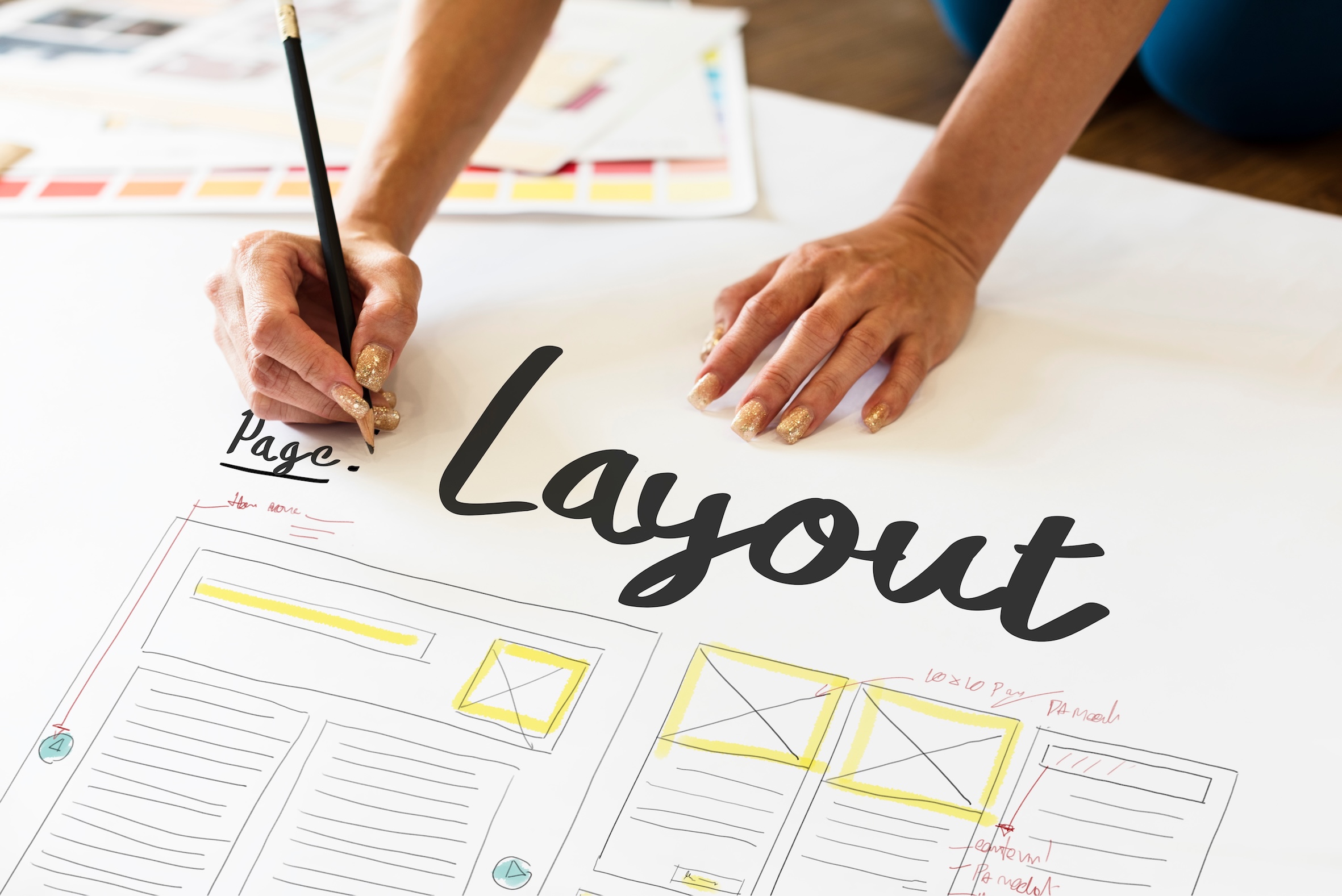



Adobe InDesign is now one of the most widely used tools for professional layout design. Layout design is about organizing text, images and graphic elements into a structured document.
But as content volumes increase (product catalogues, brochures, technical sheets…), the process becomes time-consuming. This is where InDesign automatic layout comes in.
InDesign automatic layout makes it possible to generate catalogues, brochures or product sheets automatically from data and templates.
What Is InDesign Automatic Layout?
InDesign automatic layout consists in generating documents (catalogues, brochures, labels…) from structured data (PIM, Excel, product databases…) and InDesign templates.
In practice:
- you define InDesign templates,
- you connect your data,
- and documents are generated without manual intervention page by page.
Result: an automated catalogue, faster to produce, more reliable and more consistent.
Automating Layout in InDesign: The Traditional Approach
The most common method is to create an InDesign template into which data is injected.
In a catalogue for example:
- pricing is placed in a dedicated area,
- product images in predefined blocks,
- text in assigned to content zones.
Data is simply inserted into the template without structural changes:
- no blocks are created dynamically,
- no automatic resizing,
- no contextual adaptation.
This approach works, but remains limited when producing large-scale documents in InDesign.
Responsive Print and Advanced InDesign Automation
To ensure consistency in printed documents, a design system defines rules:
- layout according to format (horizontal, vertical),
- variations by product category,
- differences between left and right pages,
- etc.
This is where a more advanced automation approach comes in, such as our Simple Workspace solution.
No longer limited to static templates, dynamic rules are added.
These rules make it possible to:
- generate blocks automatically based on data (promotions, language, text length…),
- adapt layouts to available space,
- take context into account (page, category, placement).
Layout becomes intelligent and adaptive.
What Is Responsive Print?
Responsive print is the print equivalent of responsive web pages.
With a single rules engine:
- layouts adapt automatically,
- rendering stays consistent,
- each page can be personalized.
This creates an automated editorial production workflow, able to generate complex documents without manual layout work on every page.
Why Automate Layout in InDesign?
Automation brings clear benefits:
Time Savings
- Major productivity gains, especially for large catalogues and recurring updates.
- Rapid generation of thousands or even tens of thousands of pages.
Error Reduction
- Less copy-paste work.
- Reliable data coming directly from your information systems.
Design Consistency
- Automatic compliance with brand guidelines.
- Uniformity across channels.
Broader Accessibility
- Product managers or marketers can generate content without being layout specialists.
- Immediate rendering previews.
Scalability
- Easier multilingual production.
- Adaptation to print and digital formats.
- Personalized catalogue creation.
Use Cases for InDesign Automatic Layout
- Product catalogues: automatic generation from a PIM.
- Technical sheets: bulk updates.
- Retail labels: fast personalized production.
- Marketing campaigns: documents adapted to audience segments.
Learn more about our approach to publication automation with InDesign.
Going Further: Toward Automated Editorial Production
Today, automatic layout is no longer just about saving time.
It is part of a broader editorial workflow transformation.
By combining…
- centralized data,
- intelligent templates,
- layout rules,
- automation tools,
… companies can produce documents at scale while maintaining creativity and quality.
This is the core of InDesign automatic layout.
Conclusion
Automatic layout in InDesign transforms document production: faster, more reliable and more scalable.
From simple templates to full editorial automation workflows, there are many ways to industrialize content production while preserving high design standards.
Want to learn more or see a live demo? Contact us — we’d be happy to discuss.


Would you like to simplify your publishing workflows?
Let's discuss your current processes and explore how to make better use of your data and streamline production.
FAQ – InDesign Automatic Layout
How can you automate layout in InDesign?
By using InDesign templates connected to data sources such as Excel or PIM systems.
What tools can be used to automate InDesign?
You can use:
- InDesign scripts to automate specific tasks;
- specialized plugins to extend native functionality;
- or complete solutions like Simple Workspace, capable of handling high volumes and responsive print.
What solution is best for InDesign automatic layout?
The right solution depends on your needs. For occasional automation, scripts or plugins may be enough. For industrial-scale production of catalogues, brochures or complex documents, data-driven publishing solutions can automate workflows, reduce errors and speed up production.
Is InDesign automatic layout suitable for product catalogues?
Yes. Automated catalogue layout helps manage hundreds or thousands of references efficiently.
How much time can automatic layout in InDesign save?
In every case, the gains can be significant — even enabling personalized catalogues on a large scale.
Do you need to be an InDesign expert to automate layouts?
No. Simple Workspace is designed for business users (marketing teams, product managers…) without requiring advanced InDesign expertise.

JY. Jourdain
Cofounder of J2S